 111
111 2
2 3
3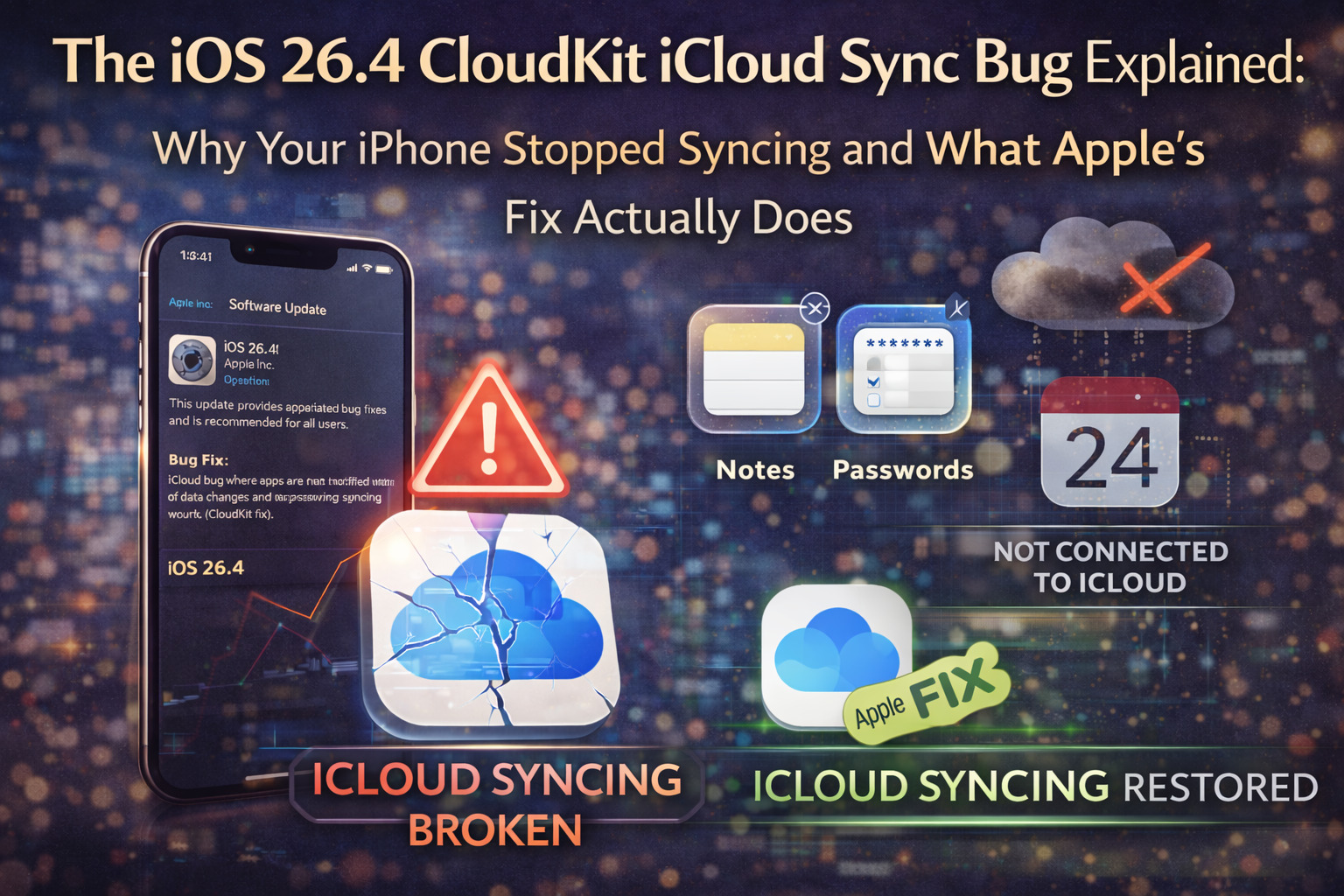
The iOS 26.4 CloudKit iCloud Sync Bug Explained: Why Your iPhone Stopped Syncing and How Apple Fixed I.t.
iOS 26.4.1 Complete Guide › CloudKit Bug: Technical Deep-Dive
← iOS 26.4.1 Pillar Guide · Child Page · Technical Analysis
By:Apple Technology Analyst·April 9, 2026·~2,800 words · 11 min read
🔬 Technical Deep-Dive
← Back to Main Guide: iOS 26.4.1 — Everything You Need to Know
Summary – Featured Snippet Ready
The iOS 26.4 CloudKit bug was a silent push notification regression that caused iPhones and iPads to stop receiving “data changed” alerts from iCloud. Apple’s CloudKit framework relies on these notifications to trigger background data fetches across all synced apps. When the notification delivery broke in iOS 26.4, apps stopped syncing automatically, requiring users to manually close and reopen apps to force a refresh. iOS 26.4.1, released April 8, 2026, restores the notification pipeline and resolves the bug.
If you’re the kind of person who wants to understand why something broke, not just that it was broken, this page is for you. The iOS 26.4 iCloud sync bug was one of those frustrating regressions that touched millions of users but stayed mostly invisible because of how iCloud sync is supposed to work: silently, in the background, without you ever thinking about it.
Let me break down exactly what happened technically, how CloudKit is designed to work, what specifically broke in iOS 26.4, and what Apple’s 26.4.1 patch actually restored. This is the context you won’t find in most coverage of this update.
CloudKit, introduced at WWDC 2014, is Apple’s backend framework that lets developers store structured data in iCloud and sync it across a user’s devices. It’s different from iCloud Drive (which syncs files) or iCloud Backup (which backs up your entire device). CloudKit is specifically for app data, the structured records, preferences, and user content that apps need to stay consistent across your iPhone, iPad, and Mac.
Think of it like a real-time, multi-device database that every app gets access to through iCloud. Notes stores its notes in CloudKit. Reminders stores its tasks there. Apple Passwords stores your credentials there. Thousands of third-party apps do the same.
Here’s how a healthy CloudKit sync works when you make a change on one device:
CloudKit Sync – Normal Operation
1. You edit data
on a Mac/iPad
→
2. Change saved
to iCloud servers
→
3. Silent push notification
sent to iPhone
→
4. iPhone fetches
new data → synced ✓
Step 3 is where iOS 26.4 failed. The notification was sent but never received.
Step 3 is the critical mechanism: Apple’s servers send a silent push notification to your iOS device. This is an invisible system-level signal, not a banner, not a sound, nothing you see. It simply tells your iPhone: “Something in CloudKit changed. Go check and update your local data.”
Your iPhone receives this notification in the background, even when the app isn’t open, and fetches the new data from iCloud. The whole thing takes a few seconds. You open your Notes app, and the note you wrote on your Mac is already there. Magic.
Or it’s supposed to be. In iOS 26.4, step 3 became a dead end.
TidBITS described the mechanism precisely: iOS 26.4 broke “CloudKit push notifications, the mechanism that tells apps when new data is available in iCloud.” The upstream side was fine. iCloud servers were correctly generating and sending the silent notifications. But iPhones and iPads running iOS 26.4 were not receiving them or were receiving but failing to act on them.
CloudKit Sync iOS 26.4 Broken State
1. You edit data
on a Mac/iPad
→
2. Change saved
to iCloud servers ✓
→
3. Silent push
NOT delivered ✗
→
4. iPhone never
fetches update ✗
Your Mac correctly sent data to iCloud. iCloud correctly sent the notification. iOS 26.4 dropped it.
What made this particularly tricky for developers to isolate: the Mac-to-iCloud direction worked perfectly. Edits made on iPhone correctly synced to iCloud and then appeared on Macs. The failure was specifically in the iCloud-to-iPhone notification channel. It was a one-way failure in a two-way system.
As iPhone in Canada explained, the bug broke “the real-time silent notification handshake required for seamless cross-device updates.” Changes on an iPhone “would sync immediately to a Mac,” but “the reverse process was broken, requiring users to manually close and reopen the app on their phones to trigger an update.”
This is important context: when CloudKit push notifications fail, there’s nothing an app developer can do. The notification delivery infrastructure exists at the OS level, below where any third-party app operates. Developers can’t override it, work around it, or patch their apps to fix it.
Their only option: wait. File a Feedback report with Apple (using Feedback Assistant) and wait for an OS-level fix. That’s exactly what happened. Developers who spotted the issue filed reports in early April 2026. Apple acknowledged the regression, and 26.4.1 was released on April 8, roughly two weeks after iOS 26.4 shipped.
“Affected developers could do nothing but submit bug reports to Apple and wait for the company to push the operating system fix, which has now happened.” 9to5Mac, April 8, 2026 (source)
Understanding the mechanism is one thing. Understanding the human impact is another. Let me walk through what users actually experienced in specific apps.
Apple Passwords is built on CloudKit and uses the shared passwords feature to sync credential changes across devices. With the bug active, a password you updated on your Mac wouldn’t automatically appear on your iPhone. The shared passwords group designed for families or teams to share credentials would stay frozen at whatever state it was in when you last manually opened Passwords on your iPhone.
The security implications are real but indirect. No passwords were exposed. But out-of-sync passwords create friction that leads to bad habits, such as reusing old passwords, keeping deprecated credentials around, or struggling to log in to apps on iPhone after updating passwords on Mac.
9to5Mac specifically named Drafts as a confirmed affected third-party app. Drafts is a popular text-capture app that syncs notes across devices via CloudKit. Users writing on their Mac would find their iPhone’s Drafts stuck in a previous state again, only resolving after force-closing and reopening the app.
MacRumors community members reported calendar events not syncing, particularly deletions: events deleted on Mac would reappear on iPhone. A TidBITS reader noted their iPhone’s Health app stopped updating sleep score data around April 1, which they suspected (though couldn’t confirm) was related.
The scope is essentially: any app that uses CloudKit for real-time sync. That’s a broad category including Notes, Reminders, Calendar, Contacts syncing, and thousands of third-party productivity, finance, health, and utility apps on the App Store.
| App Category | Sync Direction (Mac→iPhone) | Manual Fix Available? | Fixed in 26.4.1? |
|---|---|---|---|
| Apple Passwords | Broken | Close & reopen app | Yes |
| Notes | Broken | Close & reopen app | Yes |
| Reminders | Broken | Close & reopen app | Yes |
| Calendar | Broken | Close & reopen app | Yes |
| Drafts (third-party) | Broken | Close & reopen app | Yes |
| Any CloudKit app | Broken | Close & reopen app | Yes |
| iPhone→Mac (all apps) | Working | N/A | Was never broken |
Apple doesn’t publish technical changelogs for minor iOS updates, so we’re working from developer reports and system behavior observations. But based on what’s been confirmed, here’s the most accurate picture of the fix.
iOS 26.4.1 restores the silent push notification delivery pipeline that CloudKit depends on. The build number is 23E254. Based on developer testing, the regression introduced in iOS 26.4 (specifically the behavior where iPhones stopped processing incoming CloudKit change notifications) is resolved in 26.4.1.
iPhone in Canada confirmed that 26.4.1 “restores the real-time silent notification handshake required for seamless cross-device updates.”
CloudKit Sync – iOS 26.4.1 Restored
1. You edit data
on a Mac/iPad
→
2. Change saved
to iCloud ✓
→
3. Silent push
delivered ✓
→
4. iPhone fetches
update ✓
iOS 26.4.1 repairs step 3. All four stages now function correctly again.
One natural question: if iCloud servers were correctly sending notifications, why couldn’t Apple fix this on the server side without requiring users to update their OS?
The answer is architecture. The notification sending was working. The notification receiving and processing on the device was broken. iOS 26.4 contained code that was incorrectly handling (or silently dropping) incoming CloudKit notifications. Fixing that behavior requires changing the code on the device, hence an OS update.
Apple couldn’t simply push a server-side config change because the failure was in how the iPhone’s OS processed the notification after receiving it, not in what was sent.
Here’s the reassuring part: no data was lost. All changes you made on any device were correctly stored in iCloud during the iOS 26.4 period. The bug only prevented those changes from being delivered to your iPhone automatically. After updating to 26.4.1 and opening affected apps, the backlogged changes should sync—your iPhone catches up to the current state of iCloud.
If you notice an app still showing stale data after updating, close and reopen the app once. This triggers a manual sync request that will pull any pending changes from iCloud to bring your device fully current.
This bug has implications beyond end users. For iOS developers who build apps with CloudKit sync, this was a useful (if painful) reminder of a fundamental constraint: sync reliability is OS-dependent, not app-dependent.
You can architect the most elegant CloudKit implementation imaginable, test it meticulously, and ship a perfectly functioning app, and then have a completely unrelated OS regression break your sync behavior entirely. Your users blame your app. You have no fix to ship. You wait.
The CloudKit documentation on Apple’s developer portal walks through the push notification architecture and is worth reviewing for developers who want to understand the delivery chain. Key takeaway: CloudKit apps should implement graceful degradation polling, or user-triggered refresh as a fallback when push delivery is uncertain.
It’s worth noting that the bug was effectively discovered through the developer community, not Apple’s own monitoring. Drafts developer Greg Pierce was among the first to publicly identify and document the behavior in the Apple Developer Forums. This kind of community detection and Apple’s responsiveness in patching within two weeks demonstrates the value of the developer ecosystem as a quality-control layer for iOS.
But it also raises questions. An iCloud sync failure affecting Apple’s own Passwords app should have triggered internal alarms well before external developers flagged it. The fact that the bug shipped in a public release and wasn’t caught pre-release is worth noting.
iOS 26.4.1 also automatically enables Stolen Device Protection for enterprise-managed iPhones. While this is secondary to the iCloud sync story in most user coverage, it’s relevant for anyone managing a fleet of corporate devices.
Stolen Device Protection was originally introduced in iOS 17.3 (January 2024) following high-profile incidents where iPhone thieves would observe a user’s passcode and then steal the device, using the passcode to immediately take over the Apple Account, change credentials, and empty Apple Pay balances all within minutes.
The feature works by requiring biometric authentication (Face ID or Touch ID) for sensitive actions when the iPhone is away from trusted locations, and adding mandatory time delays for the most critical account changes. A passcode alone isn’t sufficient for these actions, even if a thief knows your code.
For enterprise devices specifically, iOS 26.4 already enabled this for consumer iPhones, and 26.4.1 extends that default to organization-managed devices. IT administrators should note that users can still manually disable the feature post-update via Settings → Face ID & Passcode.
📎 Related Reading
✓ Ready to Fix It? Head back to the main iOS 26.4.1 guide for full step-by-step update instructions, a supported devices list, and a post-update checklist to make sure everything’s running properly.
Sources: 9to5Mac · TidBITS · iPhone in Canada · Apple CloudKit Documentation · Macworld
Part of the iOS 26.4.1 Complete Guide. Last updated April 10, 2026.